An agent that only runs when someone presses a button is a feature. An agent that reads the file again whenever the file changes is a colleague. InsightCW's claims agents run on their own on five events, the same way InsightUW's pipeline reruns when a submission changes.
The five triggers
| Event | Why the file should be read again |
|---|---|
| A notice becomes a claim | The first full read: intake, coverage, reserve, fraud |
| A document arrives | A police report, an estimate, a bill, an attorney letter — new facts |
| A reserve changes | Adequacy, stair-stepping, authority and large loss all move |
| A payment is requested | Controls, settlement state and the closing checklist move |
| A suit is recorded | The litigation agent has work; severity and exposure change |
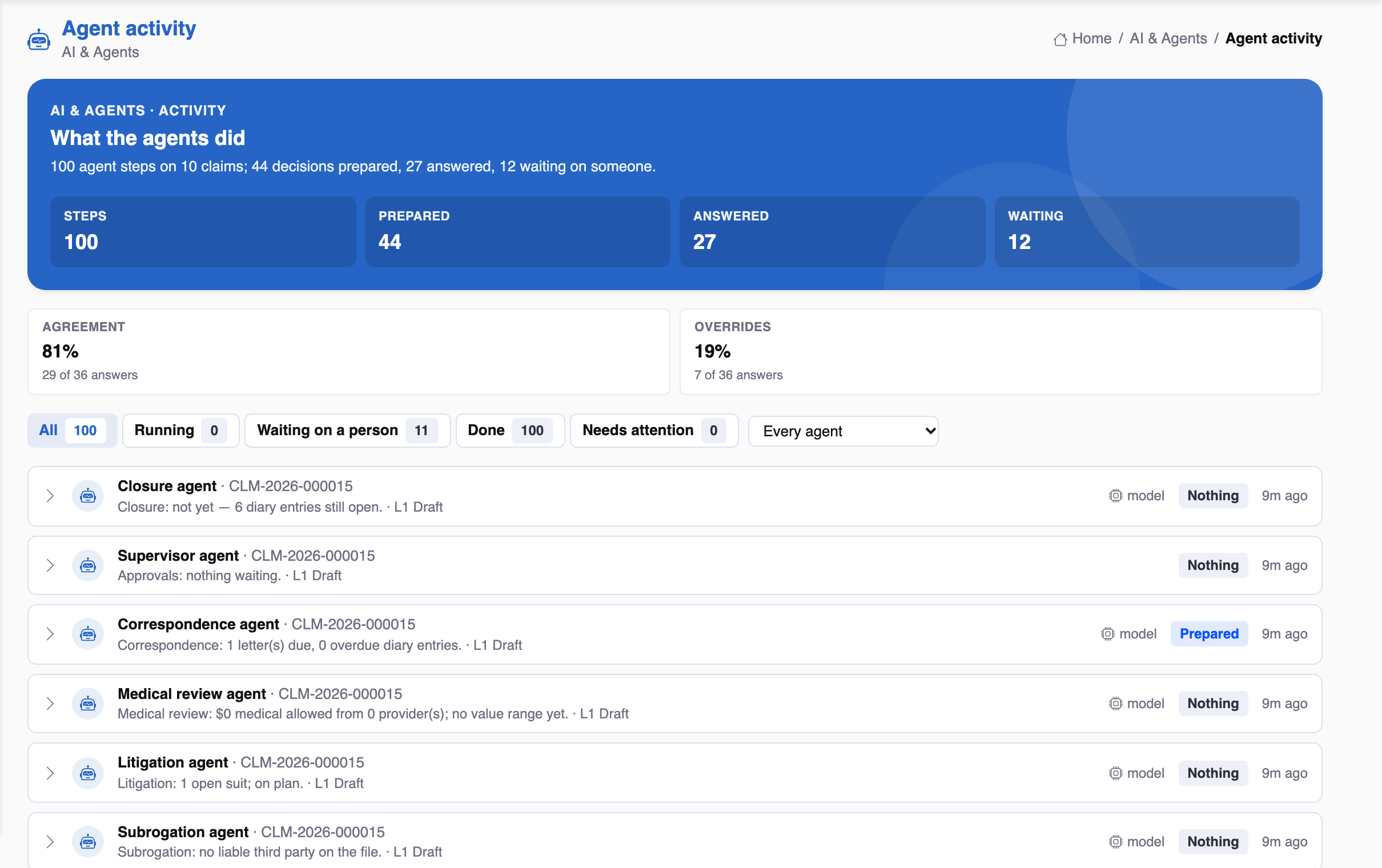
Each trigger starts a background Analyze: the rules, the agents in order, one decision-record run. The hero then says what started it — for example, “Agents ran automatically when a document arrived”.
Three rules that keep it sane
seeder or migration?"} C -->|"yes"| Y["Ignored"] C -->|"no"| D{"Run in the last
minute for this claim?"} D -->|"yes"| Z["Debounced"] D -->|"no"| E["Analyze in the background"] style E fill:#e8f8f4,stroke:#22c1a4,stroke-width:2px
- After commit only. The background run must see the change, so nothing starts before the transaction lands, and a rollback forgets it.
- Debounced. At most one run per claim per minute by default, so ten documents uploaded together start one run.
- Never for an agent's own action — an agent acting at L3 would otherwise re-run the agents in a loop — nor for seeders, demos, migrations and backfills.
Switching it off
Autorun is on by default. One setting turns it off, after which the agents run only on Analyze. The test suite turns it off and runs it synchronously where it is the subject, and tests never call a real model.